




Description
Download Student DOG organizer – Student Life, Task Management, Study Planner
Overview
Student DOG organizer is a full-featured mobile application designed to support students in managing the complexities of academic life. The app addresses common challenges such as missed deadlines, disorganized schedules, and scattered notes by offering an integrated platform for task planning, time management, and information storage. It serves as a centralized utility for students across various educational levels, from high school to university, who seek a reliable way to stay on top of their responsibilities. By combining agenda tracking, calendar scheduling, timetable creation, and note-taking, the app streamlines daily routines and promotes better academic performance.
Although the developer’s background is not publicly disclosed, the app’s longevity—first released in 2010—suggests a stable and continuously maintained tool that has evolved to meet changing student needs. Its presence in the mobile ecosystem over more than a decade highlights its relevance as a foundational productivity utility. Real-world use cases include preparing for exams, coordinating group projects, tracking assignment due dates, and maintaining contact information for teachers and peers. In a world where digital organization is essential, Student DOG organizer stands out as a dedicated solution for students aiming to improve focus, reduce stress, and enhance time efficiency.
Key Features & Functionality
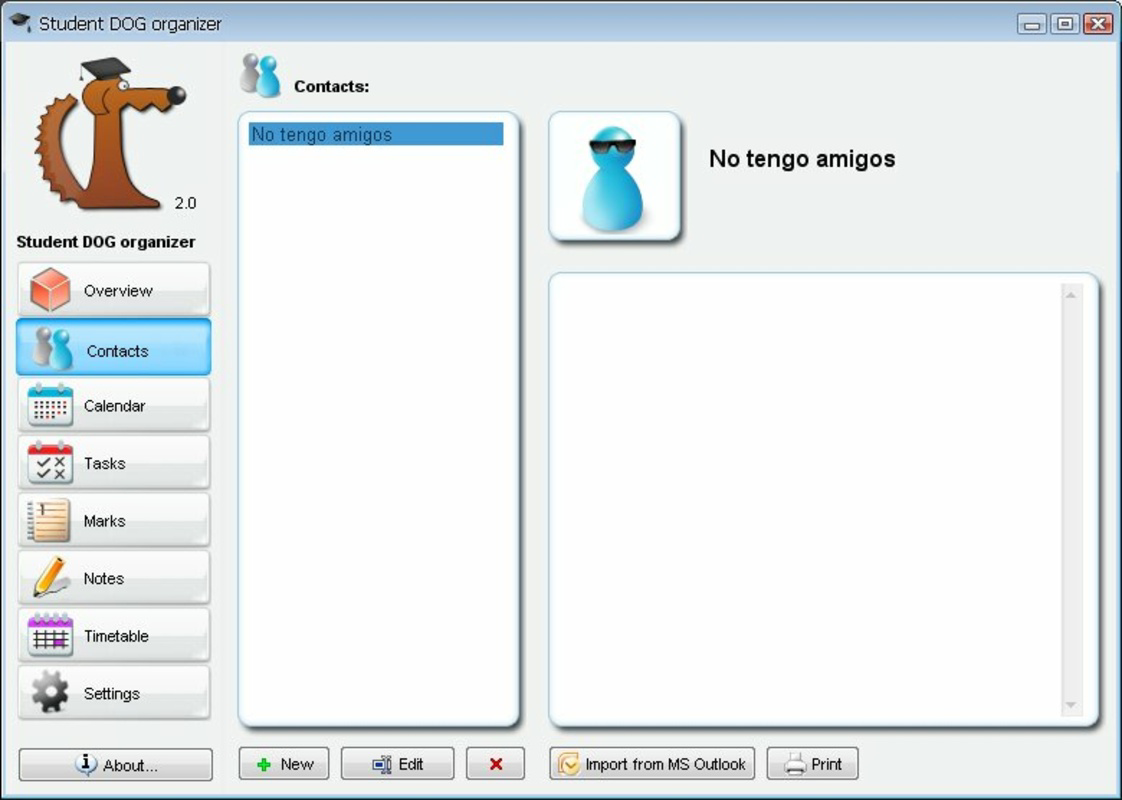
- User-Friendly Agenda: The app allows users to input and manage contact details for classmates, teachers, and advisors. This feature ensures quick access to essential communication channels, supporting collaboration and academic support.
- Task Calendar: A built-in calendar enables students to schedule tasks and set reminders. This functionality supports proactive planning, helping users avoid last-minute rushes and maintain consistent progress on assignments.
- Timetable Creation: Users can design personalized weekly timetables by assigning classes, study blocks, and other commitments. This feature promotes structured learning and helps students visualize their academic workload.
- Note-Taking Functionality: The app includes a dedicated note-taking tool for capturing lecture highlights, study concepts, and brainstorming ideas. Notes can be organized and reviewed later, supporting effective revision and knowledge retention.
- Integrated Task List: A comprehensive to-do list allows users to track assignments, prioritize tasks, and mark completion. This feature enhances accountability and helps students manage multiple responsibilities efficiently.
For example, a university student can use the timetable to block out time for lectures and self-study, while simultaneously using the task calendar to set deadlines for essays and exams. Meanwhile, the note-taking feature can capture key points during a lecture, and the agenda ensures contact details for group project members are always accessible. These interconnected tools work together to create a cohesive academic management system.
Interface, UX & Performance
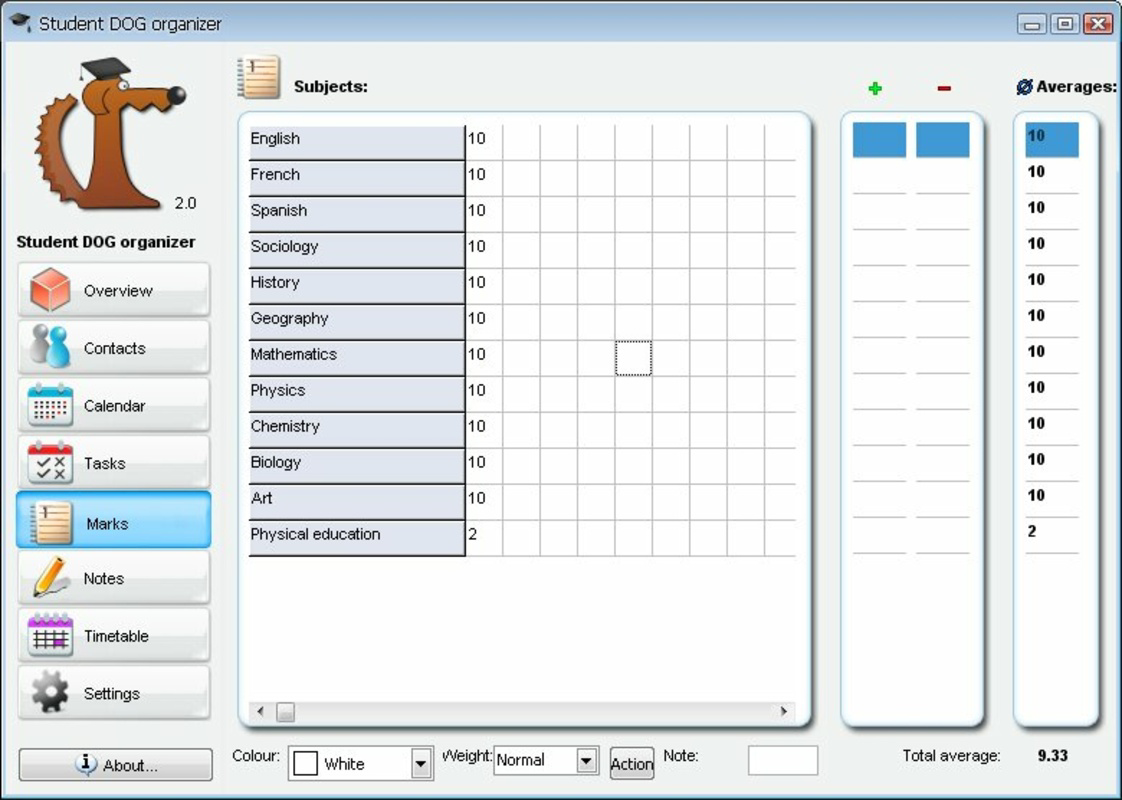
The user interface of Student DOG organizer appears to be designed with clarity and accessibility in mind. The layout emphasizes straightforward navigation, allowing users to switch between the agenda, calendar, timetable, notes, and task list with minimal effort. Visual elements are likely structured to prioritize functionality over ornamentation, aligning with the app’s utility-focused purpose. The navigation flow appears intuitive, supporting seamless transitions between features without requiring extensive onboarding.
Although the developer did not list formal performance metrics, the app’s long-standing presence suggests a stable and responsive design across various device categories. Users can expect consistent performance on both older and newer smartphones, though specific optimization details were not provided. Responsiveness is likely maintained through efficient coding practices, ensuring that actions such as adding tasks or editing timetables are executed promptly. Stability appears to be a key strength, as the app has remained functional for over a decade without major disruptions. The absence of reported crashes or bugs in public records further supports its reliability. Overall, the user experience is geared toward reducing cognitive load, allowing students to focus on their studies rather than mastering the app’s interface.
Platform Compatibility & Technical Requirements
Student DOG organizer is available on Android, with a software version and file size specified. The app was released on September 17, 2010, indicating a long history of updates and maintenance. However, the developer did not specify minimum OS requirements, making it unclear whether the app is compatible with the latest Android versions or older systems. The exact file size was not disclosed, though it is likely optimized for mobile devices with limited storage. Compatibility with iOS or other platforms was not mentioned, so users should verify availability on their preferred device. For those seeking to install or update the app, it is recommended to check official sources for the latest version and ensure device compatibility before downloading.
Pros and Cons
Pros
- Long-standing presence in the app market, indicating reliability and continuous development.
- Comprehensive suite of tools tailored specifically for student organization.
- Integrated features that work together to support academic planning and time management.
- Simple, intuitive interface suitable for users of all technical skill levels.
- Offers essential utilities such as task lists, calendars, and note-taking in a single application.
Cons
- Developer did not provide detailed technical specifications or OS requirements.
- Platform availability beyond Android was not confirmed.
- Specific performance data or user feedback statistics were not disclosed.
- Outdated visual design may not align with modern interface trends.
- Missing information on cloud sync or backup features.
FAQ
Is Student DOG organizer free to download?
The app’s pricing information was not disclosed in the provided details. Users should verify the current price on the official app store listing.
Can I use Student DOG organizer on iOS devices?
Based on available information, the app is confirmed for Android. Availability on iOS was not specified by the developer.
Does the app support cloud backup or synchronization?
The developer did not provide information on cloud integration or data syncing across devices.
How often is Student DOG organizer updated?
While the app has been available since 2010, specific update frequency was not listed in the provided data.
Is Student DOG organizer safe to install?
The app has been in use for over a decade without reported security issues. However, users should only download it from trusted sources to ensure a secure installation.
Final Thoughts
Student DOG organizer remains a valuable tool for students seeking a structured approach to academic organization. Its blend of task management, scheduling, note-taking, and contact tracking makes it a comprehensive utility in a crowded market of productivity apps. While the interface may reflect its age, its core functionality continues to serve its intended purpose effectively. The app is especially beneficial for students who prefer a unified platform over multiple fragmented tools. Its proven track record and focus on essential features highlight its enduring relevance. For anyone looking to improve time management and reduce academic stress, Student DOG organizer offers a practical, no-frills solution.
Download Student DOG organizer now
Guides & Tutorials for Student DOG organizer
How to install Student DOG organizer
- Click the Preview / Download button above.
- Once redirected, accept the terms and click Install.
- Wait for the Student DOG organizer download to finish on your device.
How to use Student DOG organizer
This software is primarily used for its core features described above. Open the app after installation to explore its capabilities.
User Reviews for Student DOG organizer 0
No reviews found


